
FREE RESOURCES FROM BETTY
AI basics
with Betty.
Small tips. Better conversations.
Simple illustrated guides for teens, parents, carers and anyone wanting a clearer starting point.
A growing collection. Pick one thing to try today.
Browse the free guides
What would help today?
Choose a guide to open the example, practical steps and conversation starter.
 01 · Everyday checks
AI can help. AI can be wrong.
Check names, dates, numbers and links before using an AI answer.
Read guideClose guide
AI can help. AI can be wrong.
Check names, dates, numbers and links before using an AI answer.
Read guideClose guideAI chatbots are software that create replies. They can mix up details or even invent facts.
“See you at
7 pm!”
“Starts at
6 pm.”
Try this
Check names, dates, numbers and links before using an answer.
Have a chat
What would you double-check here?
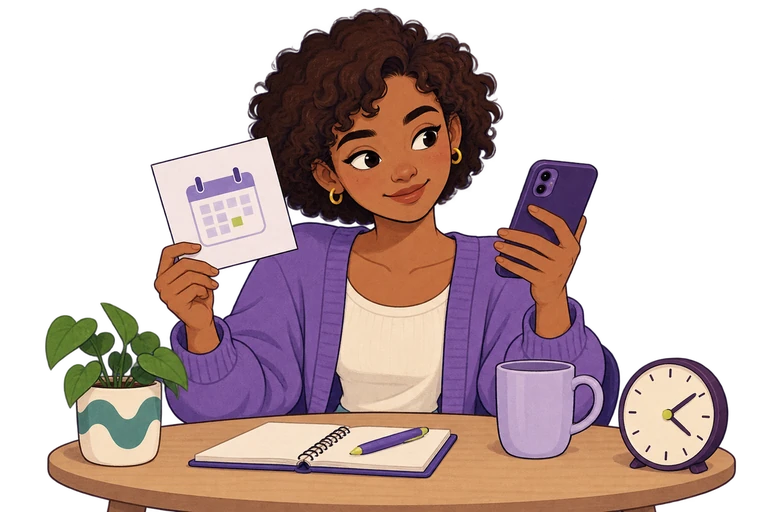
Illustration: A teen compares a paper invitation with a message on their phone.
Open full-size illustrated card (PNG)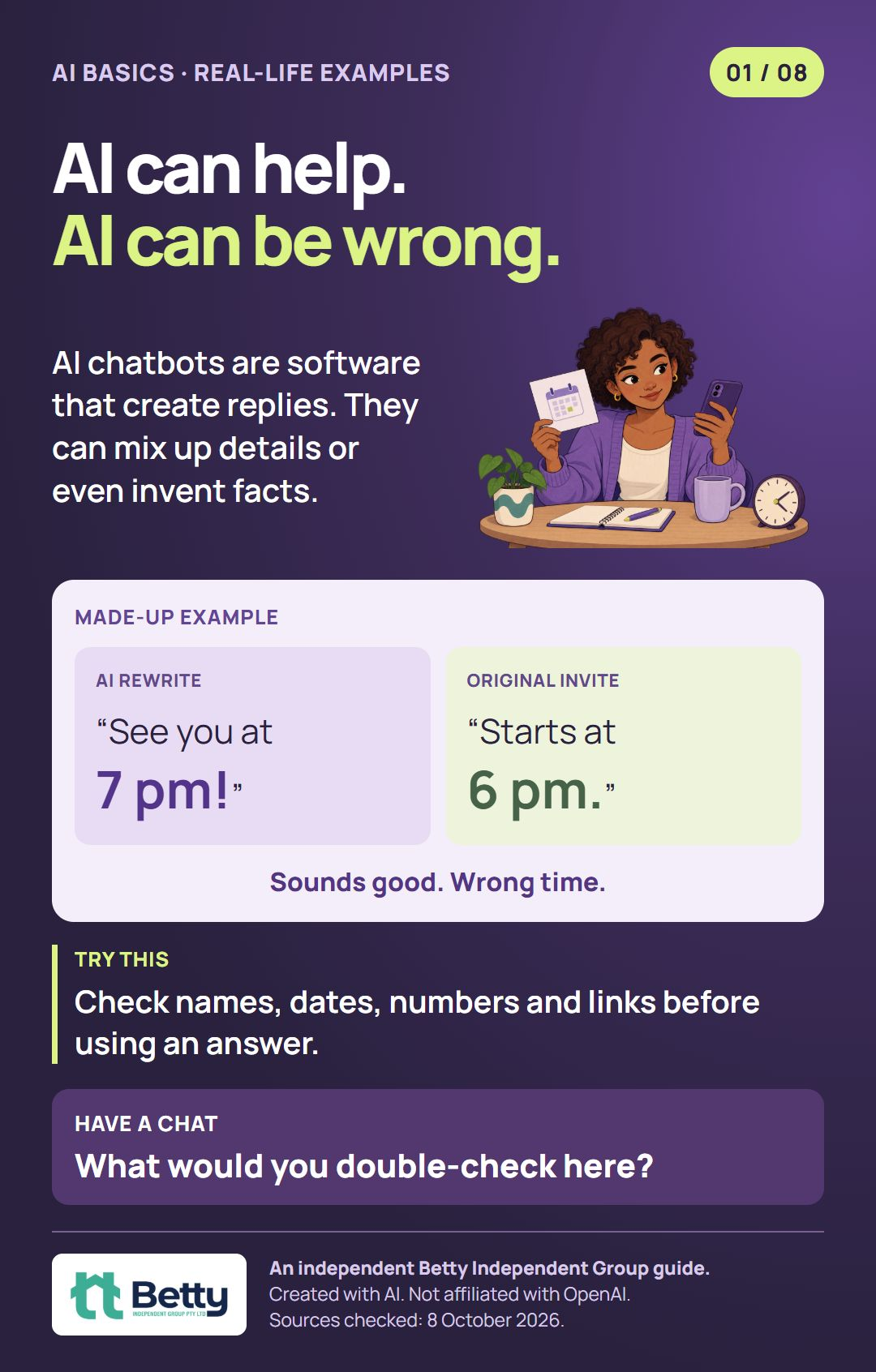
Official sources · checked 8 October 2026
 02 · Everyday checks
Your question sets the scene.
A message can have more than one explanation. Ask a few open questions, then check with your mate.
Read guideClose guide
Your question sets the scene.
A message can have more than one explanation. Ask a few open questions, then check with your mate.
Read guideClose guideAI only has the context available. It can’t know what your friend meant.
“Why is my friend ignoring me?”
“What could this mean? Give a few possibilities.”
Try this
Say what happened. Ask for other explanations. Leave names out.
Have a chat
How do these two questions change the story?
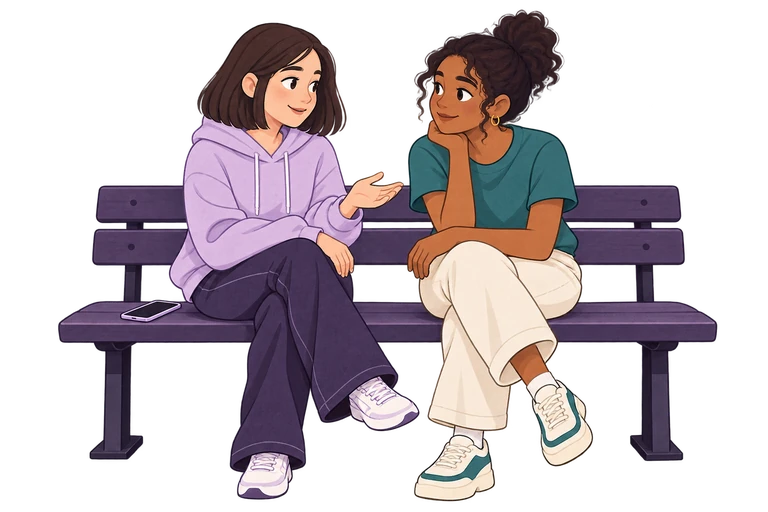
Illustration: Two teenage mates have a calm conversation, with a phone beside them.
Open full-size illustrated card (PNG)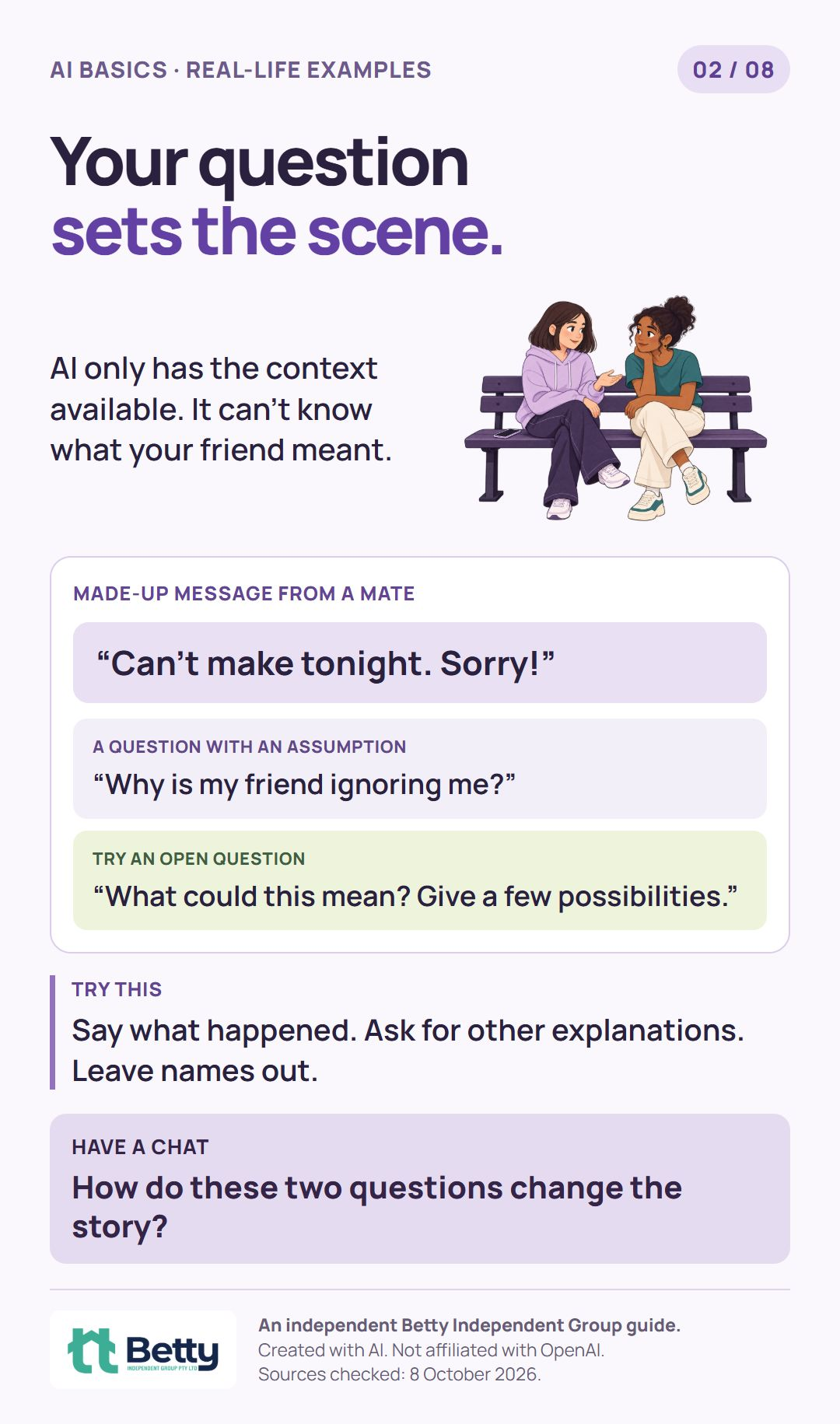
Official sources · checked 8 October 2026
 03 · Everyday checks
Leave private details out.
Keep the useful question. Leave out names, contact details and other people’s private messages.
Read guideClose guide
Leave private details out.
Keep the useful question. Leave out names, contact details and other people’s private messages.
Read guideClose guideYou can ask for help without sharing names, contact details or someone else’s private messages.
“Here’s my school, phone number and my friend’s screenshot…”
“Help me write a calm reply after an argument.”
Try this
Check Settings → Data controls in ChatGPT. Sharing less still helps, whatever your settings.
Have a chat
What could we remove and still get useful help?
Illustration: A young adult chooses which details to include on a laptop, leaving a personal document aside.
Open full-size illustrated card (PNG)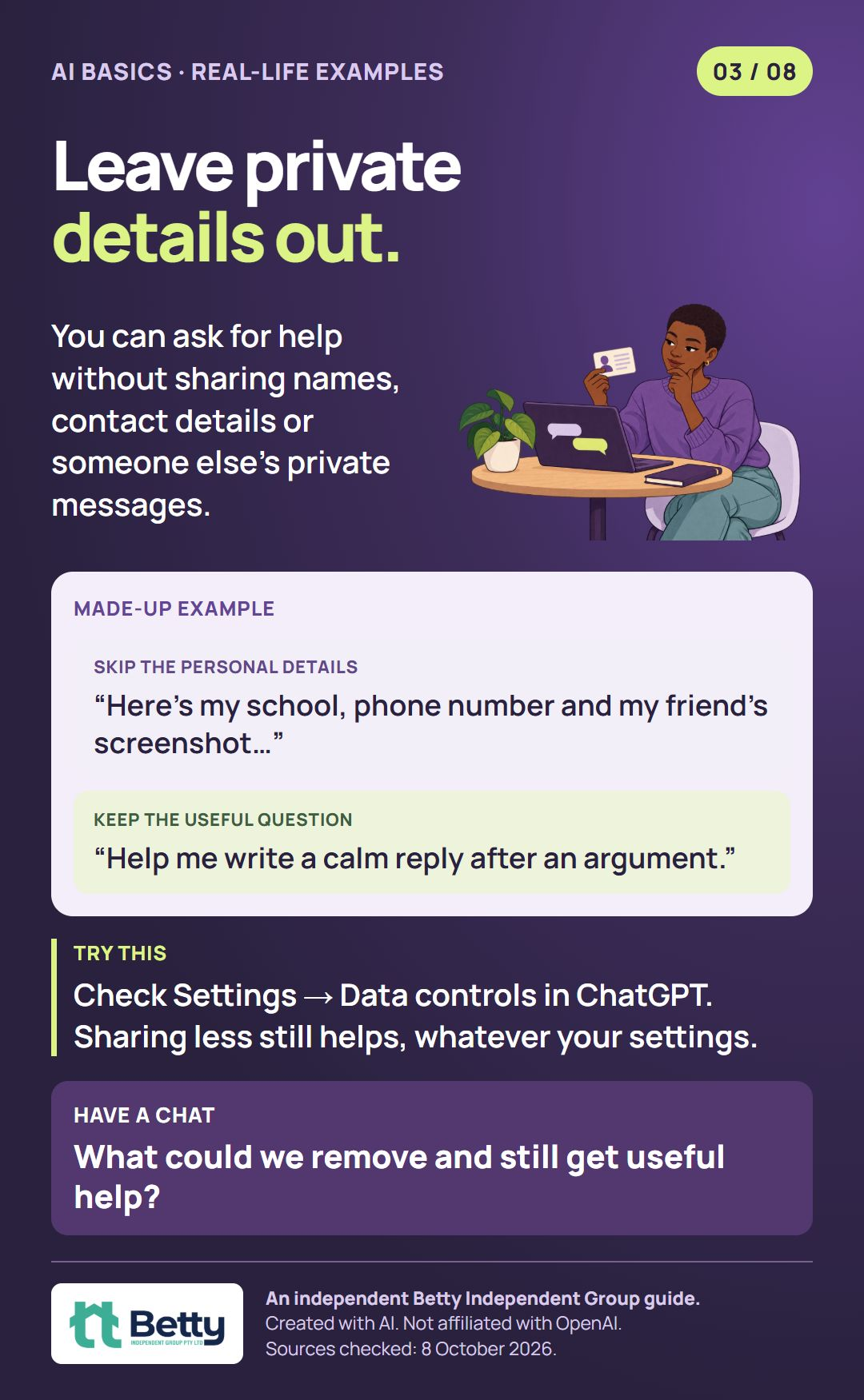
Official sources · checked 8 October 2026
 04 · Everyday checks
Check the story behind the photo.
Find the original post. Read the full caption. Check the date and permission before sharing.
Read guideClose guide
Check the story behind the photo.
Find the original post. Read the full caption. Check the date and permission before sharing.
Read guideClose guideThe same image can be given a very different story.

Try this
Find the original post. Read the full caption. Check the date and permission to share.
Google → Lens (camera icon) → upload a screenshot.
Matching images are clues, not proof of the original source.Have a chat
What would you check before sharing?
Illustration: A teen checks a photo on a laptop using a magnifying glass.
Open full-size illustrated card (PNG)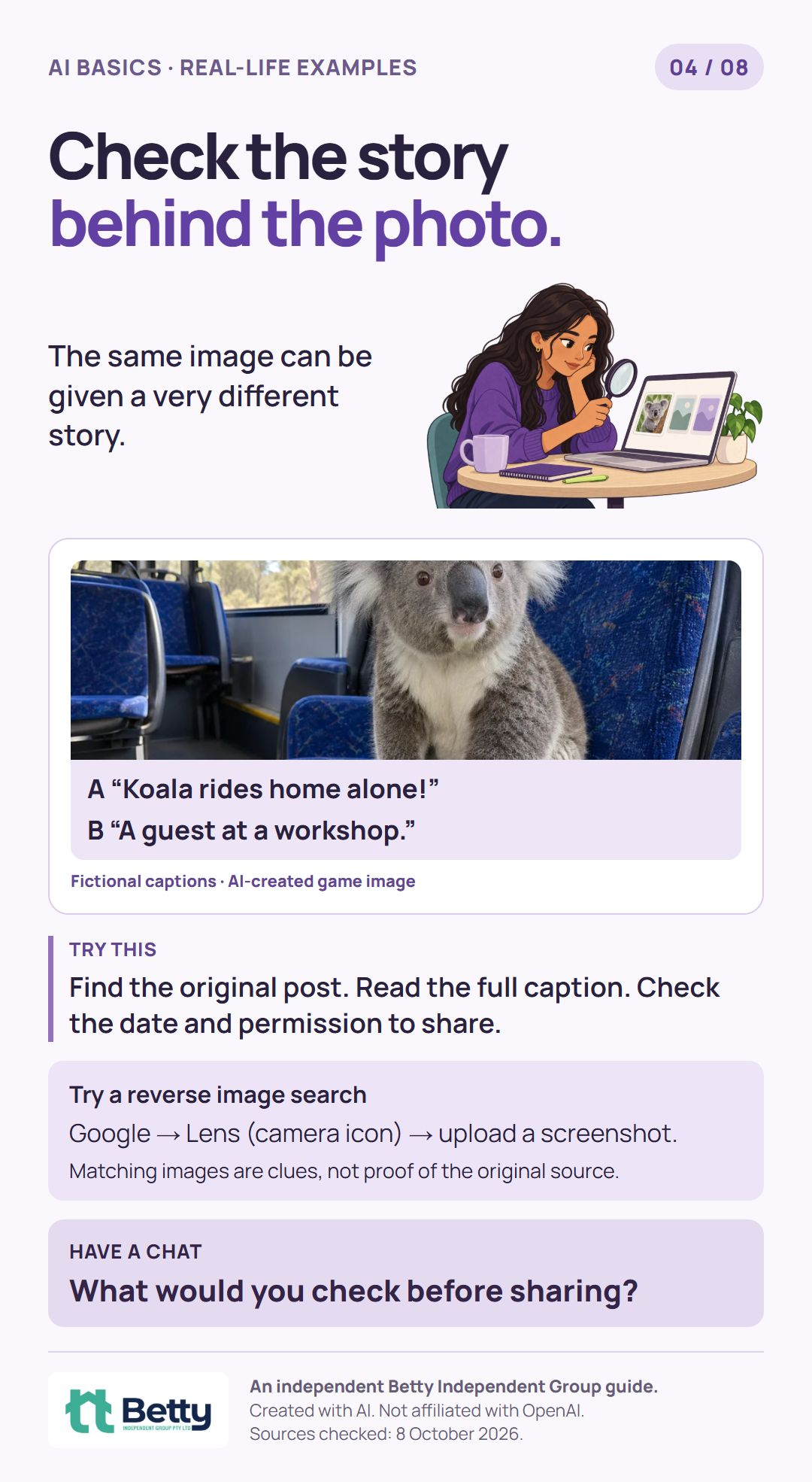
Official sources · checked 8 October 2026
 05 · People & learning
Keep real people in the picture.
If an AI chat leaves you upset or starts taking over, pause and talk to someone you trust.
Read guideClose guide
Keep real people in the picture.
If an AI chat leaves you upset or starts taking over, pause and talk to someone you trust.
Read guideClose guideAn AI reply can feel caring. A chatbot is not a person or a substitute for professional care.
“Help me find the words.”
“Could we have a chat?”
Try this
If chats crowd out sleep or time with people, or leave you upset, pause and talk to someone you trust.
Have a chat
Who could you turn to if a chat felt wrong?
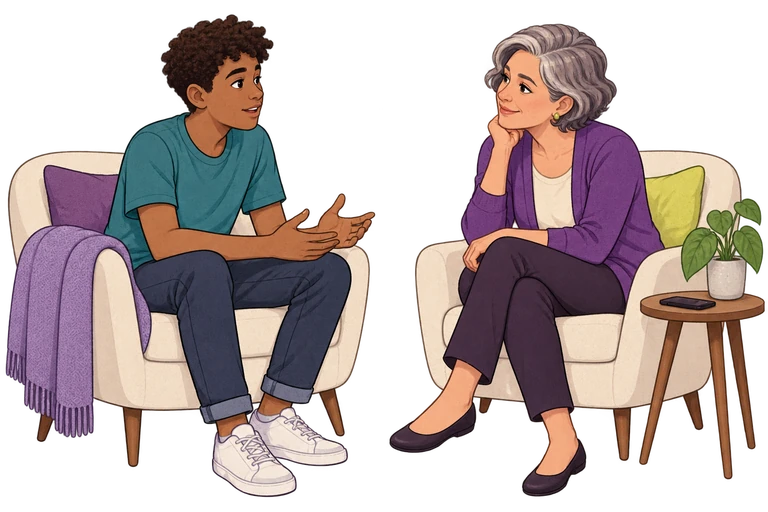
Illustration: A teen and a trusted adult sit together and talk, with the phone put aside.
Open full-size illustrated card (PNG)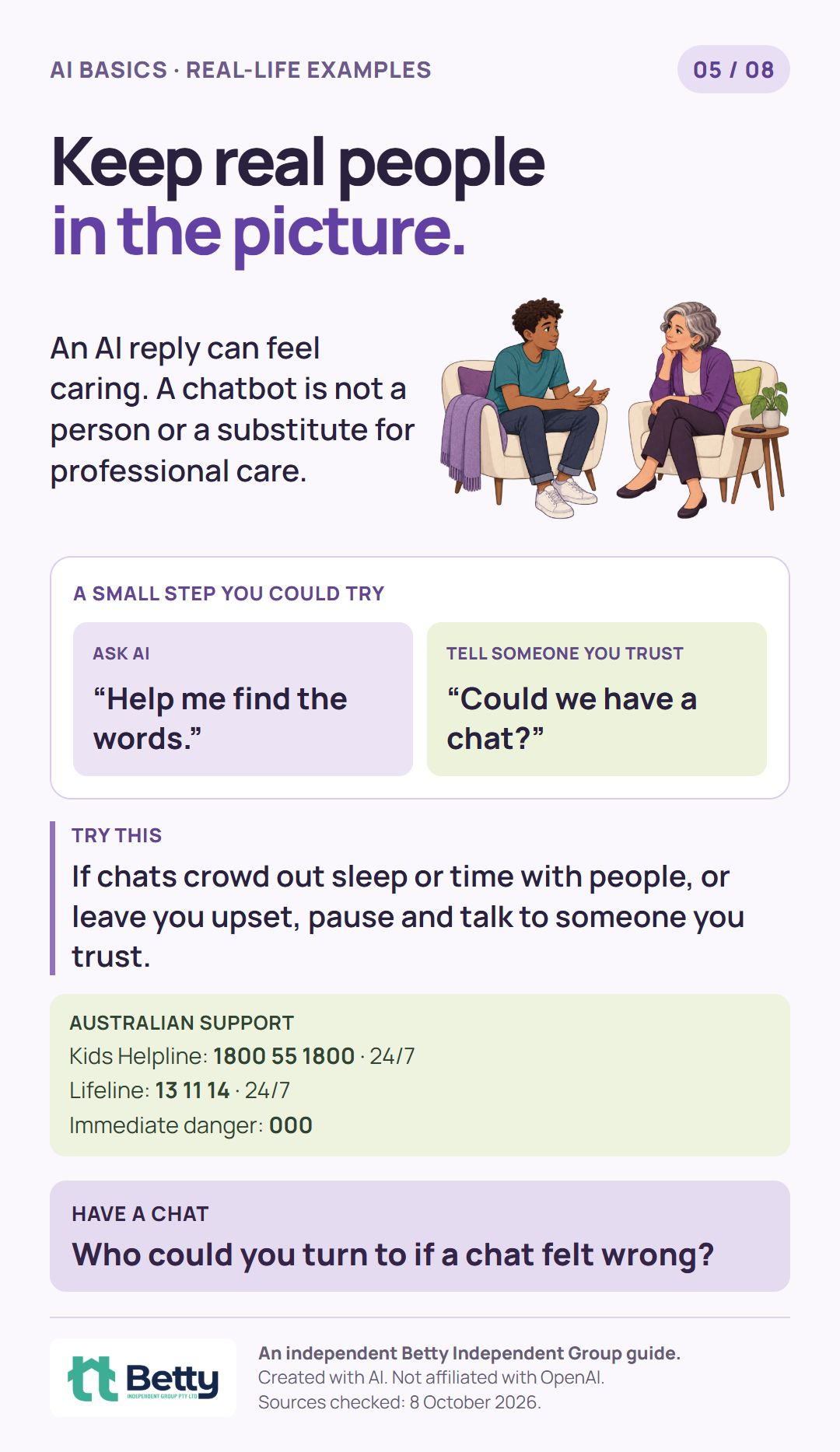
Official sources · checked 8 October 2026
 06 · People & learning
Let AI help you learn.
Ask for one step at a time. Have a go yourself, then check the answer.
Read guideClose guide
Let AI help you learn.
Ask for one step at a time. Have a go yourself, then check the answer.
Read guideClose guideTry explanations, practice questions or breaking a task into smaller steps.
“Explain this in plain words.
Ask me one question at a time.
Wait for me to have a go.”
Try this
Check the answer. For schoolwork, check what your teacher allows.
Have a chat
What kind of explanation works best for you?
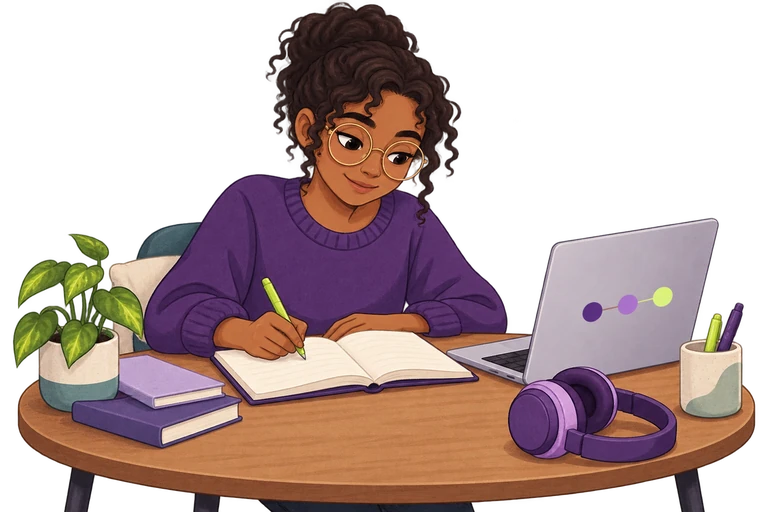
Illustration: A teen uses a laptop and then has a go in their notebook.
Open full-size illustrated card (PNG)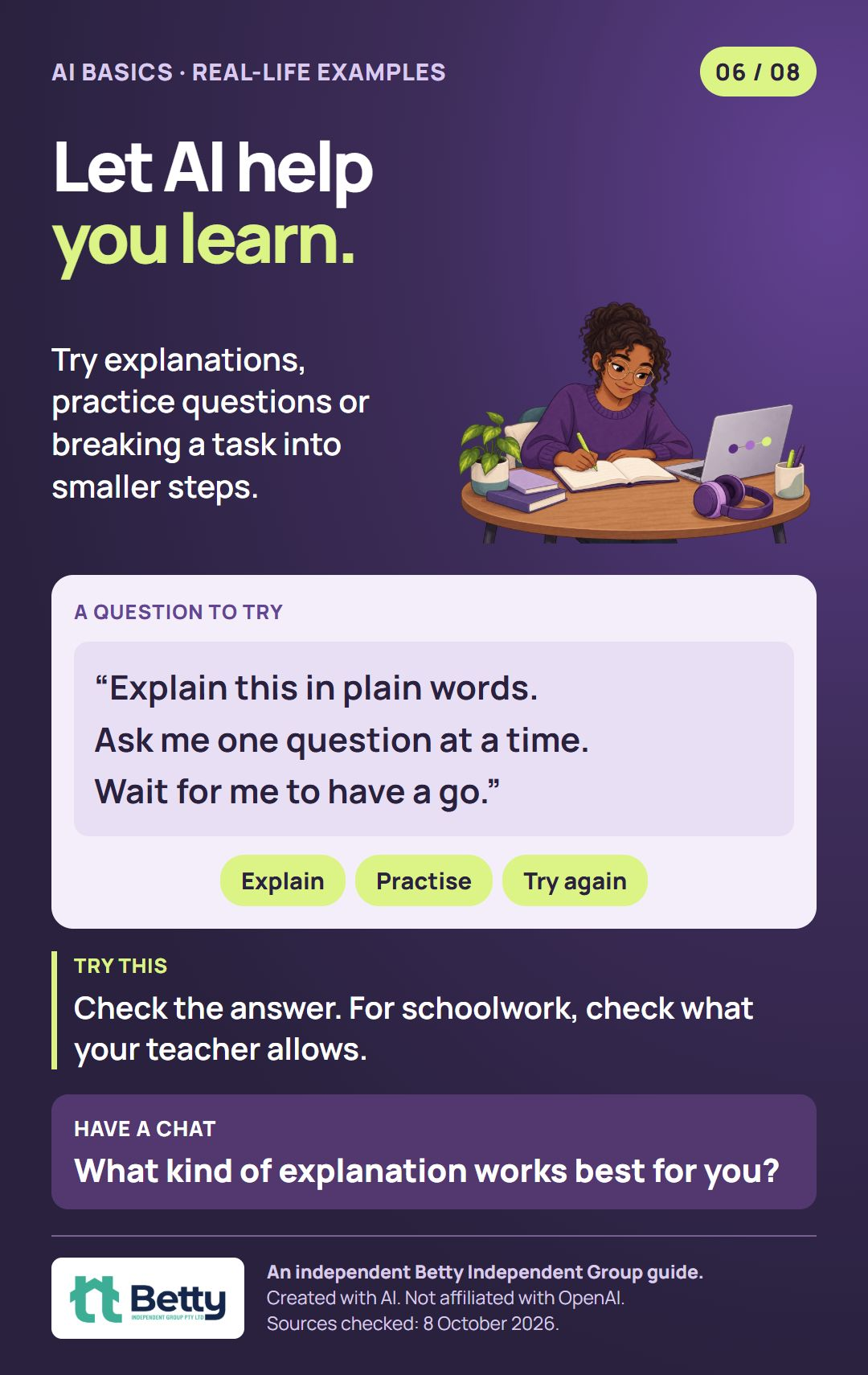
Official sources · checked 8 October 2026
07 · ChatGPT settingsTeen settings, together.
Parental controls are optional. Under-18s still need parental permission. Linking does not give parents access to chats.
Read guideClose guide
Teen settings, together.
Parental controls are optional. Under-18s still need parental permission. Linking does not give parents access to chats.
Read guideClose guideChatGPT: parental controls are optional. Under-18s still need parental permission. ChatGPT is not for children under 13.
Linking does not give chat access.
Parents cannot read chats or monitor them live through parental controls.
Selected settings can be managed.
Review them together.
The teen accepts the invite. Then check the settings together.
How alerts work
Parents may receive limited safety notifications. They are not live monitoring.
Safety notifications can miss concerns. These features do not replace emergency help or professional care. Don’t wait for an alert if you’re worried.
Have a chat
What settings would feel helpful to us?
Illustration: A teen and their parent review a laptop together, with the teen choosing a setting.
Open full-size illustrated card (PNG)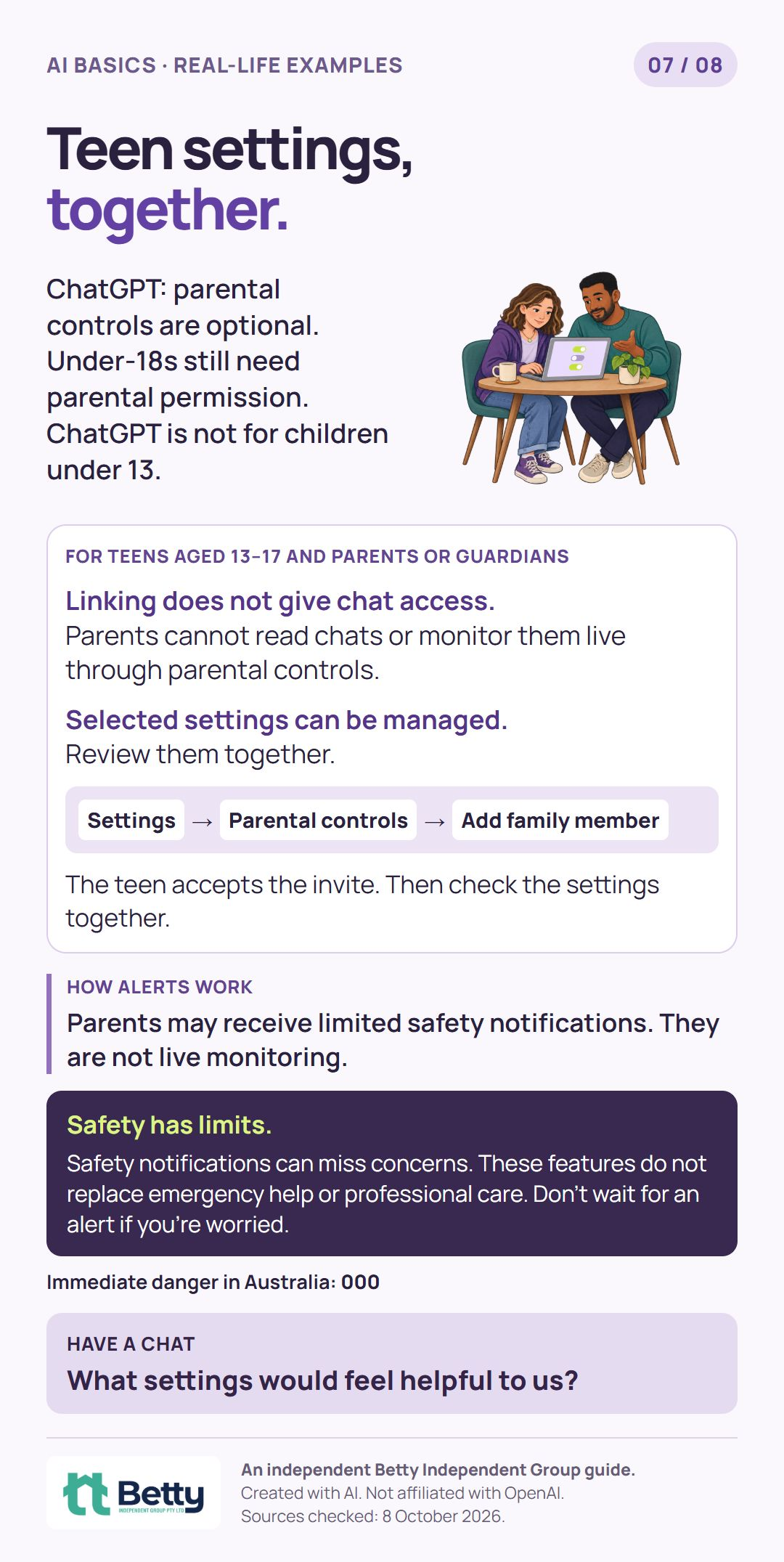
Official sources · checked 8 October 2026
 08 · ChatGPT settings
Adults: choose a Trusted Contact.
For adults aged 18+ using personal ChatGPT accounts. Optional, and separate from teen parental controls. Your chats are not shared.
Read guideClose guide
Adults: choose a Trusted Contact.
For adults aged 18+ using personal ChatGPT accounts. Optional, and separate from teen parental controls. Your chats are not shared.
Read guideClose guideFor adults aged 18+ using a personal ChatGPT account. Optional, and separate from teen parental controls. Choose someone aged 18+.
Add their details, give consent and select Save changes. They must accept within one week.
How alerts work
After review of a serious suicide concern, ChatGPT may notify them. Your chats are not shared with them.
Safety notifications can miss concerns. These features do not replace emergency help or professional care. Don’t wait for an alert if you’re worried.
Have a chat
What would a helpful check-in look like?
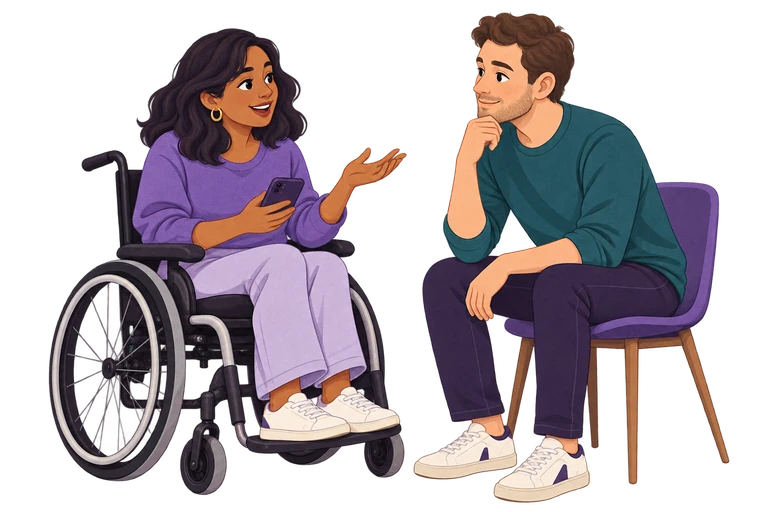
Illustration: Two adult friends, including a wheelchair user, talk together about a choice.
Open full-size illustrated card (PNG)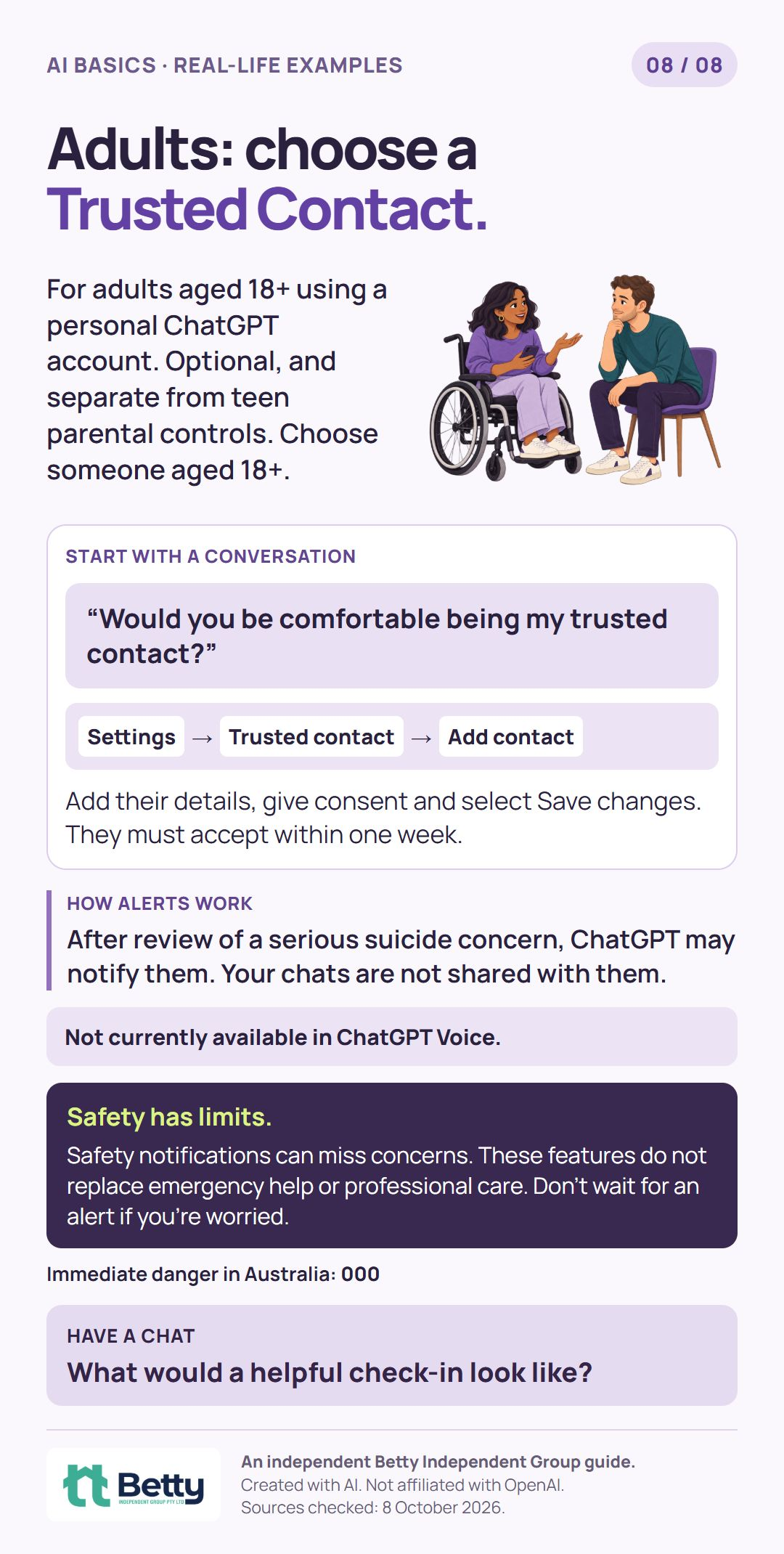
Official sources · checked 8 October 2026
Have a go together
Keep a copy
A free resource that keeps growing
We’ll add more practical guides and examples here over time. Start with whatever feels useful to you.
An independent guide from Betty Independent Group. Created with AI. Not affiliated with OpenAI. Illustrations and example messages are fictional.
Sources checked: 8 October 2026. Features can change, so check the linked official guides for current details.