
FREE GUIDE FOR PARENTS & CARERS
Does your teen use ChatGPT?
Have the conversation.
Check the settings together.
Have a chat about how they’re using it, what they find helpful and anything that’s left them unsure. Take a few minutes to look at the settings together.
An independent guide from Betty Independent Group. Not affiliated with OpenAI. Created with AI and checked against official sources on .
Keep the conversation open.
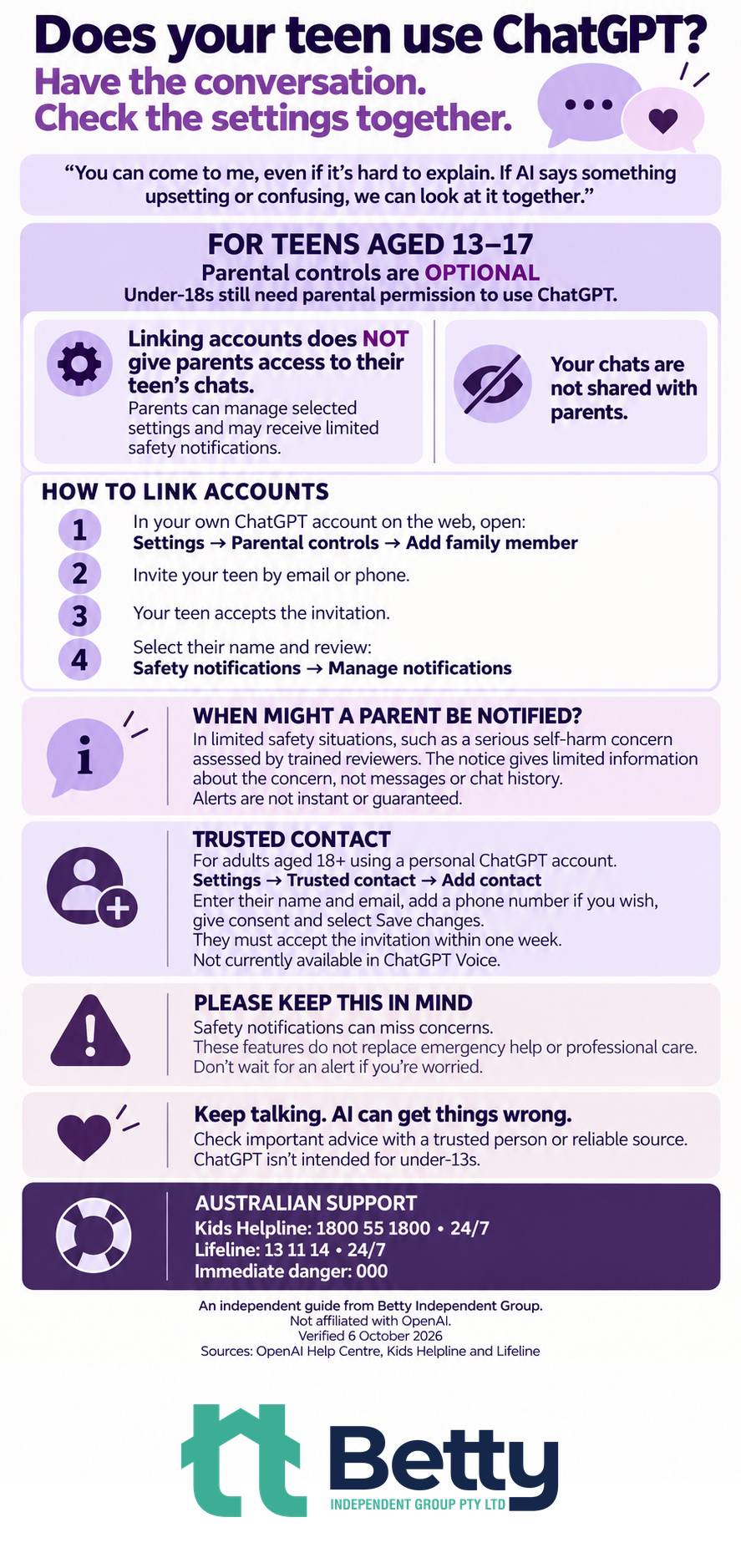
“You can come to me, even if it’s hard to explain. If AI says something upsetting or confusing, we can look at it together.”
AI can get things wrong. Check important advice with a trusted person or reliable source.
FREE GAME · TEENS 13+ & PARENTS
Try it together.
Six made-up stories. Spot the AI twist, check a clue and chat about what you’d share.
Play on one device, two devices or solo. No sign-in needed.
Play Pause & PlayOpens in a new tab. An independent Betty Independent Group game, created with AI.

FOR TEENS AGED 13–17
Parental controls are optional.
Under-18s still need parental permission to use ChatGPT. Permission and linking accounts for parental controls are separate. ChatGPT isn’t intended for under-13s.
Parents can manage selected settings and may receive limited safety notifications.
How to link accounts
- In your own ChatGPT account on the web, open Settings → Parental controls → Add family member.
- Invite your teen by email or phone.
- Your teen accepts the invitation.
- Select their name and review Safety notifications → Manage notifications.
When might a parent be notified?
In limited safety situations, such as a serious self-harm concern assessed by trained reviewers. The notice gives limited information about the concern, not messages or chat history. Alerts are not instant or guaranteed.
A SEPARATE FEATURE FOR ADULTS
Trusted Contact
For adults aged 18+ using a personal ChatGPT account.
- Open Settings → Trusted contact → Add contact.
- Enter their name and email, add a phone number if you wish, give consent and select Save changes.
- They must accept the invitation within one week.
Not currently available in ChatGPT Voice.
This is separate from teen parental controls. It does not guarantee that a concern will be detected or a notification sent.
OpenAI’s Trusted Contact guide · Adding and managing a Trusted Contact
AUSTRALIAN SUPPORT
Reach out directly.
Kids Helpline1800 55 180024/7 · Phone counselling
Lifeline13 11 1424/7 · Lifeline website
Immediate danger000Emergency help
A guide to keep and share.
Share this page or the infographic with a parent or carer who might find it useful.
Feature details can change. Follow the official guides linked above for current information. Sources checked: OpenAI Help Centre, Kids Helpline and Lifeline, 6 October 2026.