Prepare the menu.
A helper can offer a small set of familiar meals, add the exact product name, pack size, retailer link and an image they have permission to use.

READY MEAL PICKER / CHOOSE, CHECK, SHOP
Set up a small, familiar menu, make choices together, then check every offered meal in one guided store checklist.
A$12 one-off · including Australian GST
Downloaded local tool for Windows desktops and laptops using current Chrome or Edge.
Not a phone or tablet app. Retailer pages need an internet connection.
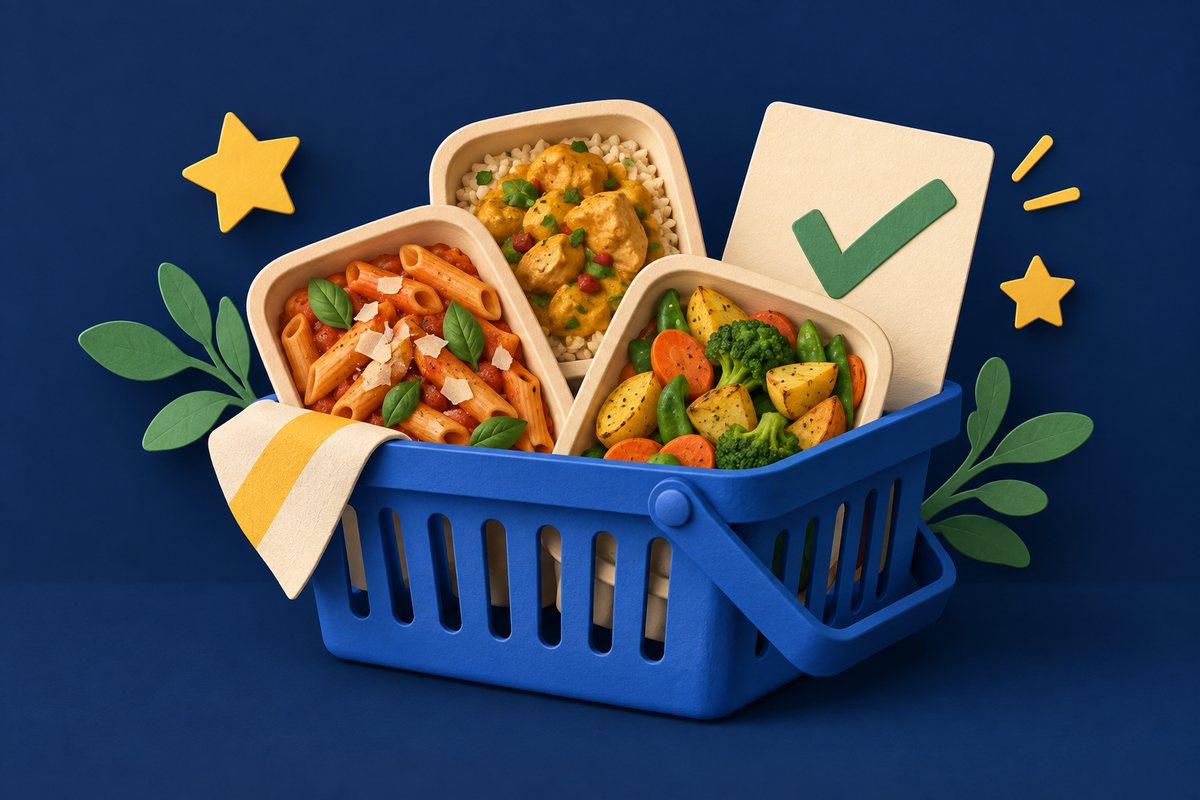
Original illustrative artwork · no supermarket products shown
ONE MENU. TWO PEOPLE. A CLEARER HANDOVER.
For yourself, your household, or someone you support.
The chooser’s preferences stay visible while a helper checks the practical details.
A helper can offer a small set of familiar meals, add the exact product name, pack size, retailer link and an image they have permission to use.
The chooser can use pictures, short descriptions and Listen buttons, then pick Yes, Maybe or No. Optional weekly planning lets them choose one dinner for each selected day.
Open one manual checklist for all meals currently offered. The helper follows each saved retailer link, confirms the selected store and records what the page shows.
THE MANUAL AVAILABILITY CHECKLIST
In Menu setup, Open manual availability checklist shows how many menu meals are waiting. Start once and Ready Meal Picker guides the helper through them one at a time.
For each meal, open its official retailer page in a new tab, confirm the store, address or shopping method shown there, then record Shown available, Shown unavailable or Couldn’t confirm. The check can be paused and continued later.
This is a guided batch, not an automatic stock scan. The app cannot read a retailer page, login or selected store. Results are dated observations; nothing is reserved or ordered.
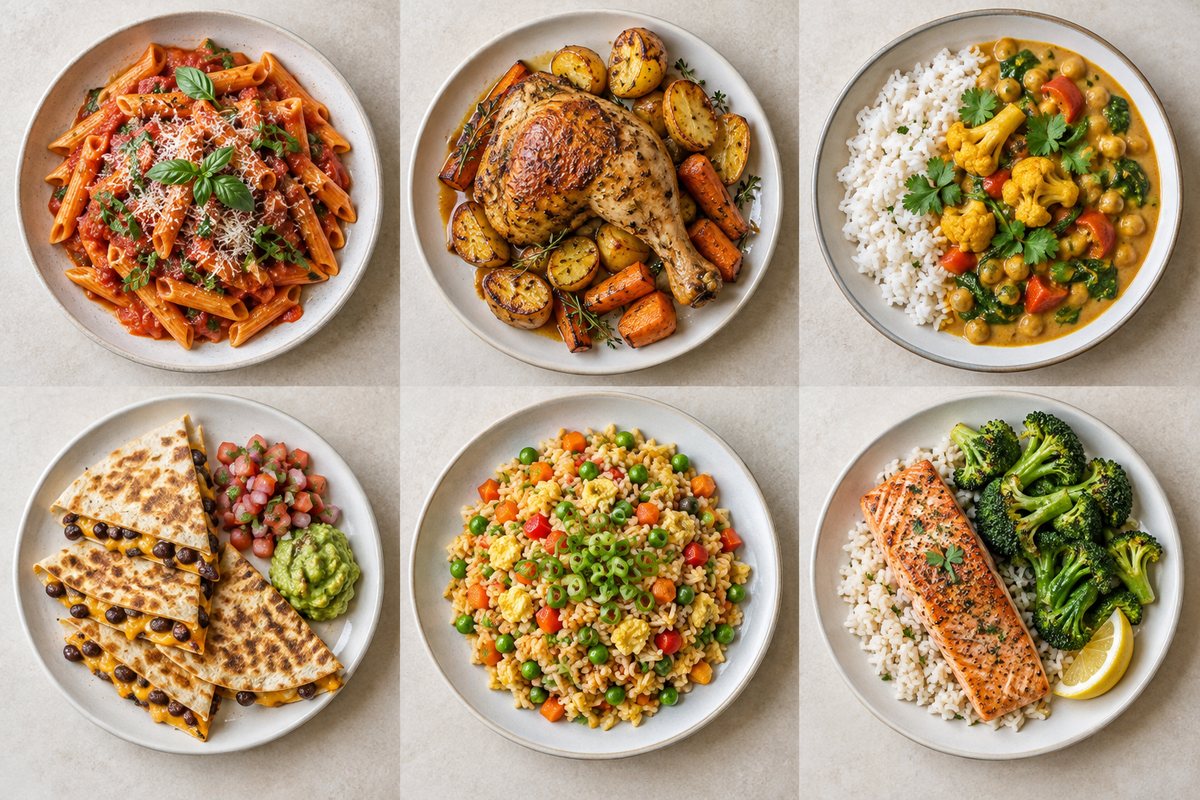
BEFORE YOU BUY
Store information changes. Ready Meal Picker keeps the choices and the checking sequence together; the final judgement stays with you.
Use the downloaded app on a Windows desktop or laptop with a current version of Chrome or Edge. Menu information is kept in that browser on that device. There is no Betty account or automatic cloud sync.
Save a JSON backup and confirm it exists before clearing browser data, moving the app or changing devices. Backups can contain photos and choices, so keep them somewhere private.
The app cannot see live stock, prices, your retailer login or your selected store. Recheck the retailer page before ordering or travelling, because products, labels and ranges can change.
This is an independent planning tool. It is not affiliated with or endorsed by a retailer or pictured brand, and it does not assess nutrition, allergies, swallowing needs or medical suitability. Check current labels and individual requirements.
YOUR QUESTIONS
Open Menu setup and choose Open manual availability checklist. The button shows the number of meals currently offered. Start once to work through the full list, one retailer page at a time.
No. The app cannot read retailer pages, your account or the store selected on those pages. You confirm the store and manually record what each official product page shows.
The list includes chosen meals that have been recorded as shown available, grouped by retailer. Unavailable or unconfirmed choices stay visible for review rather than silently disappearing.
Yes. Add or edit meals and use a photograph or illustration you own or have permission to use. Confirm the exact product, pack size and retailer link yourself.
It keeps changes in local browser storage when available, on that browser and device. Save a separate backup regularly. The backup is not encrypted and there is no automatic cross-device sync.
The purchase button takes you to our Payhip product page for checkout and digital delivery. Check the final licence, device requirements and support details there before paying. For product help, email support@bettyindependent.com.au.